
Your personal fitness coach. Right at home.
Your iPhone counts the reps. Your coach talks you through the set.
Watch a coached setReverse lunge · 10 seconds
Set your iPhone where the camera can see you from head to toe.
What’s on today?
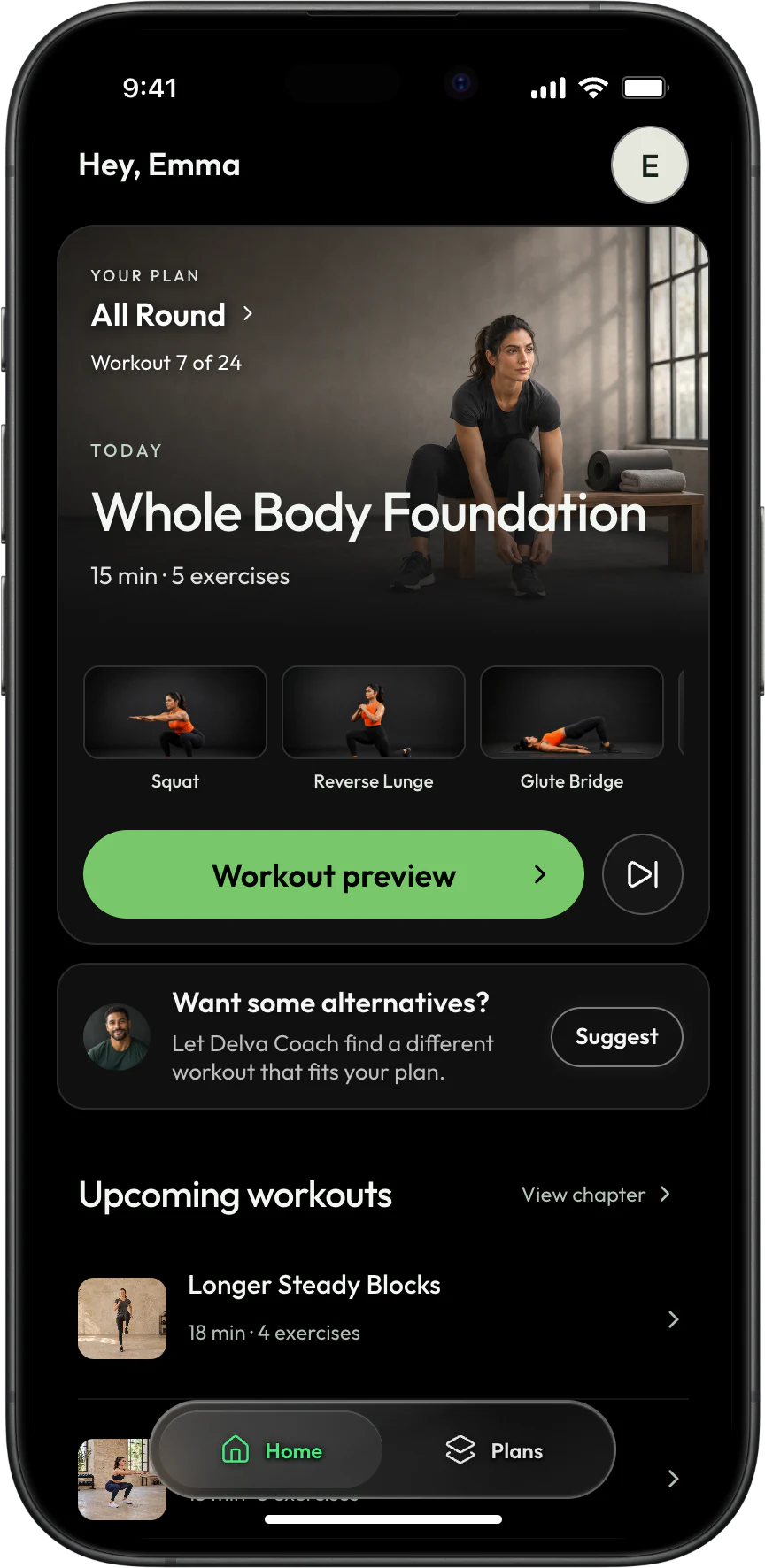
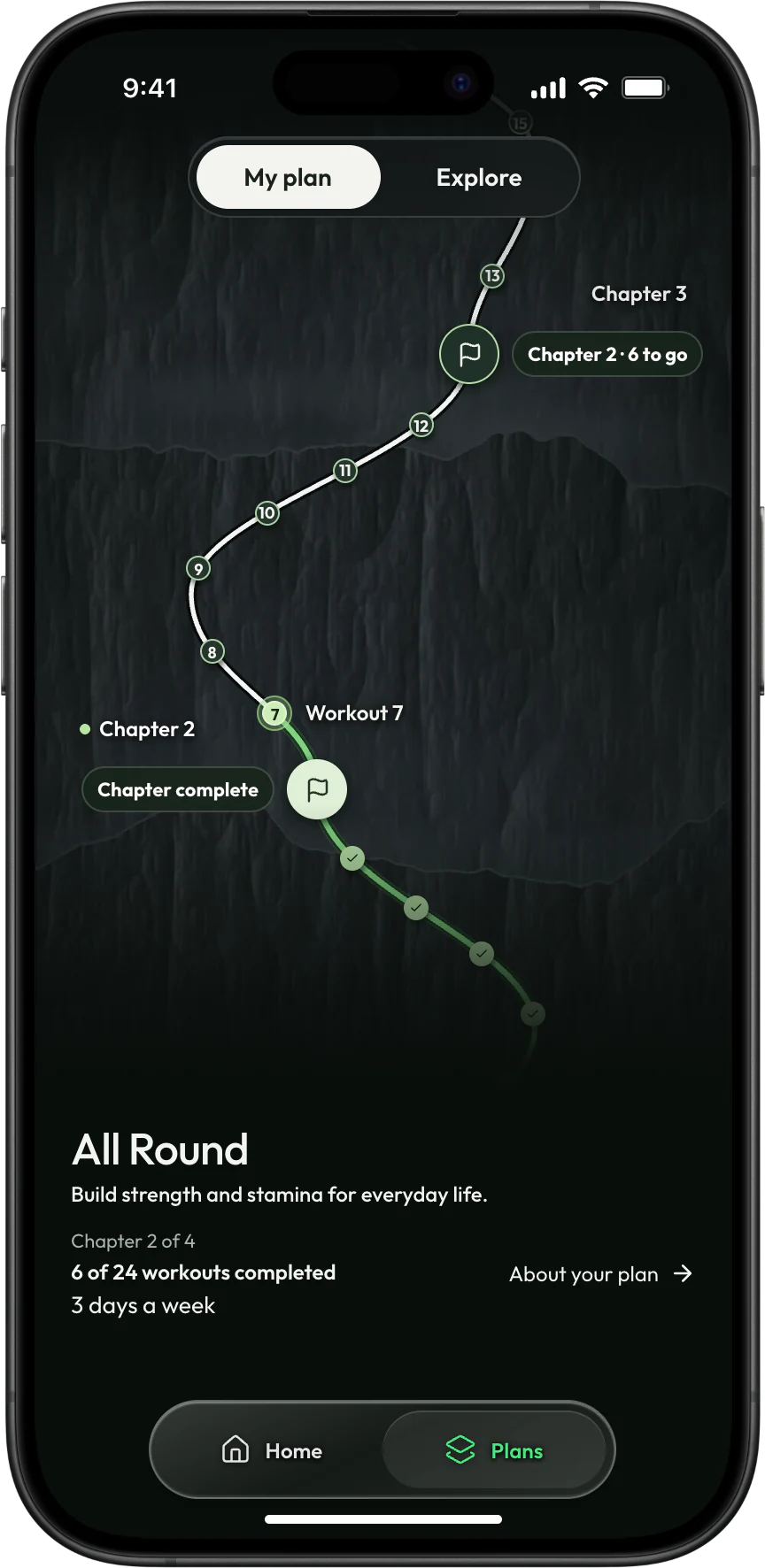
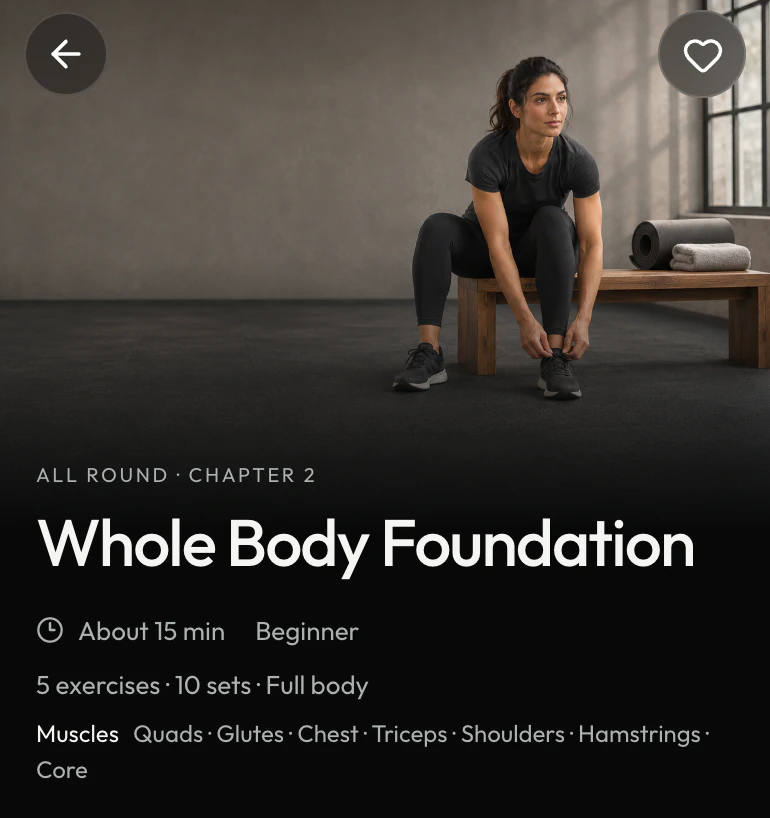
Choose your goal and how often you want to train. Open your plan to see today’s exercises, what you’ll need, and how long to set aside.
Hear a set for yourself.
In this reverse lunge, the coach sets the pace, then cues your breathing as you stand.
Coaching cues
- 0:00
Reverse lunges. Smooth, steady.
- 0:05
Breathe out as you drive up to standing.
Look back on your chapter.
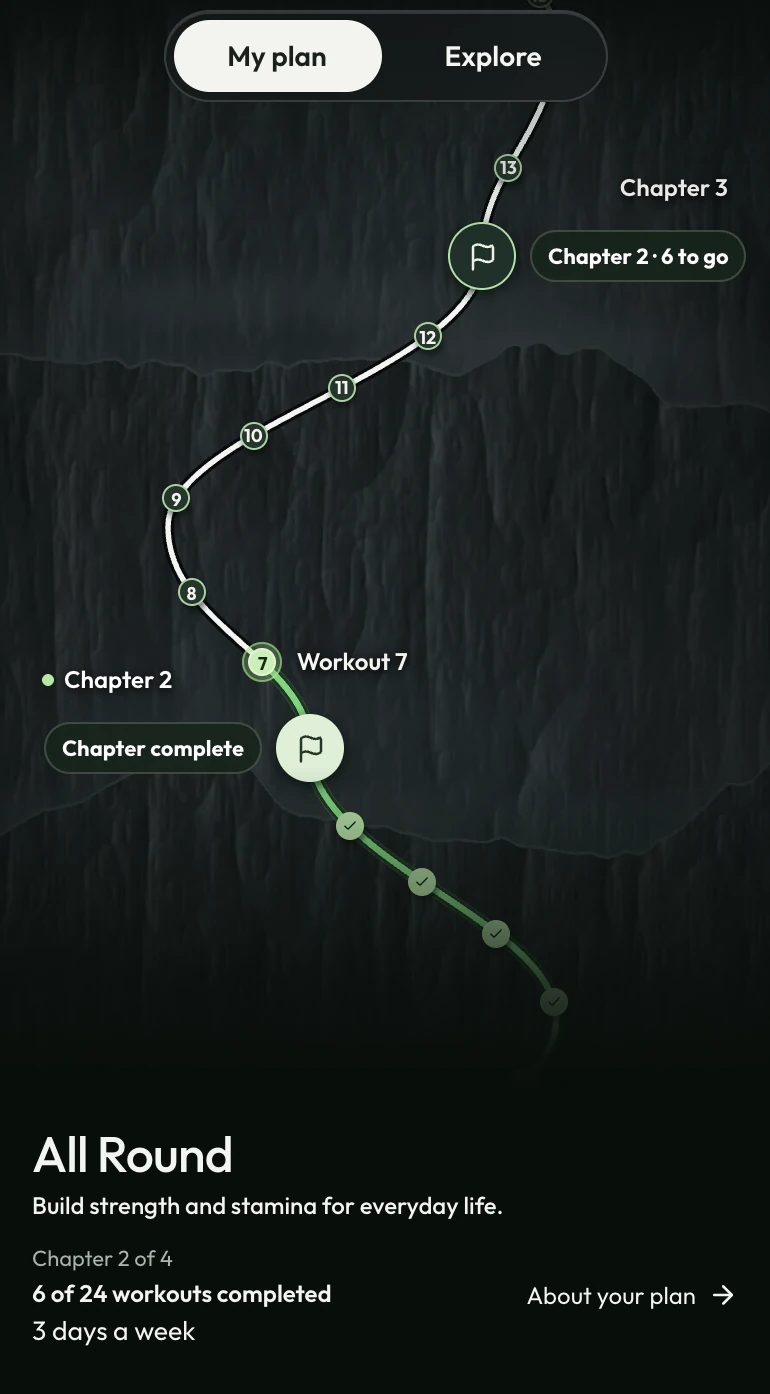
Open a chapter to see which workouts you’ve finished. Tap a session to revisit its exercises and sets.
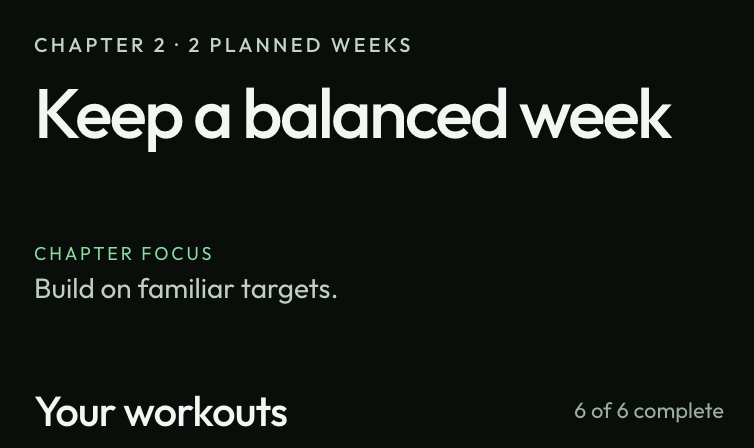 View chapter summary
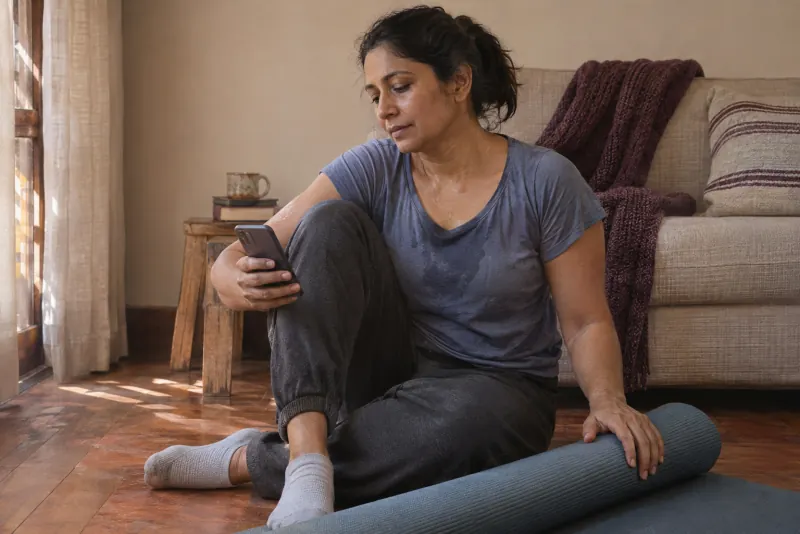
Before you start.
What do I need to get started?
For a bodyweight workout, you’ll need an iPhone running iOS 17.6 or later and room to move. Set your phone on a stable surface with your whole body in view.
How does Delva track my exercises?
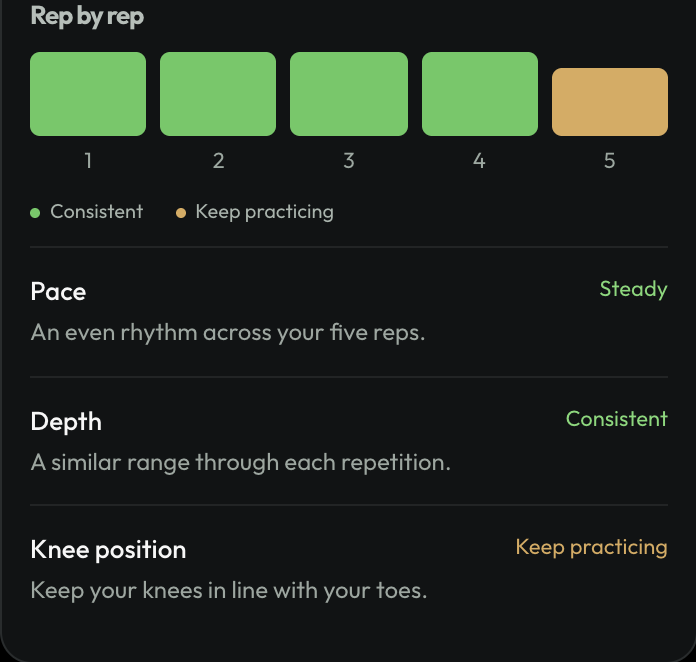
For squats, place your iPhone to one side. Delva follows your hip, knee, and ankle to count each rep. For planks, it times your hold.
Does Delva record my workouts?
The app you download from the App Store analyzes your movement on your iPhone. It doesn’t record or upload workout video.
After each workout, Delva shares movement data with Eidovis by default, including the positions of your joints. You can turn off Share movement data in the Privacy section of Profile.